
How to Search Collier County Court Records Online
The primary tool for searching Collier County court records is ShowCase Web, the public court case portal operated by the Collier County Clerk of the Circuit Court & Comptroller. The Clerk also links to it from the online case search explanation page and from the court reports page. Public access is free and does not require registration. Registered users may see additional content depending on role and Florida's statewide Security Matrix permissions, but most non-confidential indexes and case details are available to the general public. The system handles felony, misdemeanor, civil, probate, traffic, family law, guardianship, mental health, small claims, and appellate categories in a single search interface.
Before you start, decide what you know. A full case number gives the cleanest result. A partial Collier-style short number such as 26MM000744 is accepted and will display as the full formatted number 11-2026-MM-000744-AXXX-01 in results. If you have only a name, enter the last name and narrow results using the date range and court type filters. For traffic matters, a citation number is often faster than a name search because citations map directly to a case once entered by the Clerk.
- Go to cms.collierclerk.com/showcaseweb/. The landing page also offers links for Reports, ePay, eCertify, and registered-user application.
- Click Case Search in the top navigation. The search form loads with fields for case number, party name, citation number, date range, and court type.
- Enter a case number if known. A short Collier number such as
26MM000744will return the full case. For name searches, enter the last name or business name first; adding a first name and date range reduces large result sets. - Use the Court Type dropdown to limit results to a specific category: Felony, Misdemeanor, Traffic Infractions, Criminal Traffic, Non Criminal Infraction, Domestic Relations/Family, Probate/Guardianship, Small Claims, County Civil, Circuit Civil, Guardianship, Mental Health, Delinquency, Dependency, or appellate entries such as 6th DCA and Appeal from the County Court.
- Check the One Row Per Case box if you want one result line per case rather than a separate line for each party linked to that case number. This keeps the results grid clean when a case has multiple defendants or petitioners.
- Review the results grid. Columns include Case Number, Citation Number, Party Name or Company, Party Type, Date of Birth, Sex, Race, File Date, Court Type, Case Type, and Status.
- Click any case number to open the case detail view. Tabs available on the detail screen are Parties, Dockets, Charges, Sentences, Fees, and Court Events.
- Use the Print button for a case printout. Use Back to Results to return to the grid. For citation-specific traffic searches, use the citation-search modal accessible from the main search form.
The ShowCase system also has a public Court Events calendar at cms.collierclerk.com/showcaseweb/#/calendar with month, week, and day views. Event entries show time, event count, location or courtroom code, and judge initials. Courtroom codes such as Naples 1B, RC, SC, and others appear in the calendar but may not be self-explanatory; check your hearing notice for the assigned room if you are a party or witness.
The Clerk notes that brief website maintenance outages can occur. If the portal is unavailable, try again after a short wait or contact the Clerk's office at (239) 252-2646 for assistance with urgent case lookups.
Collier County Court Records Search Fields
ShowCase Web's case search form has nine input fields. None are required, but more information narrows results significantly. The table below lists every field exactly as labeled in the portal, along with input type and format guidance based on direct inspection of the live form.
| Field Label | Type | Required | Notes / Format |
|---|---|---|---|
| Case Number | Text | No | Accepts short local format (e.g., 26MM000744) or full formatted number. Cleanest search method when case number is known. |
| Last Name Or Business Name | Text | No | Use for party or business lookup. Works for both individual defendants and corporate parties. |
| First Name | Text | No | Narrows name search when last name returns too many results. |
| Middle Name | Text | No | Optional additional filter for individuals with common names. |
| Citation Number | Text | No | Traffic and infraction matters. A separate citation-search modal also accepts a Citation # field. |
| From Date | Date | No | Start of filing-date range. Use with To Date to limit results to a specific period. |
| To Date | Date | No | End of filing-date range. Pair with From Date. |
| Court Type / Case Category | Dropdown | No | Options include Felony, Misdemeanor, Criminal Traffic, Traffic Infractions, Non Criminal Infraction, Domestic Relations/Family, Probate/Guardianship, Small Claims, County Civil, Circuit Civil, Guardianship, Mental Health, Delinquency, Dependency, Municipal Ordinance, County Ordinance, 6th DCA, Appeal from the County Court, FL Supreme Court, and others. Blank returns all types. |
| One Row Per Case | Checkbox | No | Collapses multiple party rows for a single case into one result line. Useful for name searches that pull multi-party cases. |
The Clerk's online case search explanation page states that the public view does not require registration and provides access to most non-confidential documents. Additional information may be available on the self-help center computers at the courthouse for authorized user categories. There is no fee for viewing online court cases through ShowCase.
The system also has a login modal for registered users who need access beyond the standard public view. Registration is available from the ShowCase landing page at cms.collierclerk.com. Registered access levels are controlled by the Florida courts Security Matrix, which is a statewide framework rather than a local preference.
Note: Viewing online court cases through ShowCase Web is free; certified copies, document certification, and payment processing involve separate fees set by the Clerk.
The ShowCase landing page lists a version number of v4.0.148 in its footer at the time of inspection. The Clerk also links to additional tools from that hub: the Report Portal for downloadable court reports, ePay for online payment of court fees and citations, and eCertify for ordering certified copies of court documents electronically.
The Official Records system (COR Access) is a separate portal from ShowCase. It searches recorded instruments such as deeds, mortgages, liens, and recorded marriage licenses. It is not a court case docket tool. Use ShowCase for court cases; use COR Access for property, real estate, and recording-related documents. Both are free public inquiry systems.
The Official Records search shows results from the Clerk's recording division. The Official Records document search form accepts party name, business name, document type, parcel ID, date range, instrument number, book, and page fields. The Official Records case search accepts a case number for quick instrument lookup. The COR Access system also offers Map Search, Address Search, Risk Alert enrollment, Purchase Copies, eRecording, and a Business Portal for title-related users.
The ShowCase system captures the image below, showing the court case search interface for Collier County.
The ShowCase Web portal for Collier County court case search is the main free public tool for searching cases by name, number, or citation.
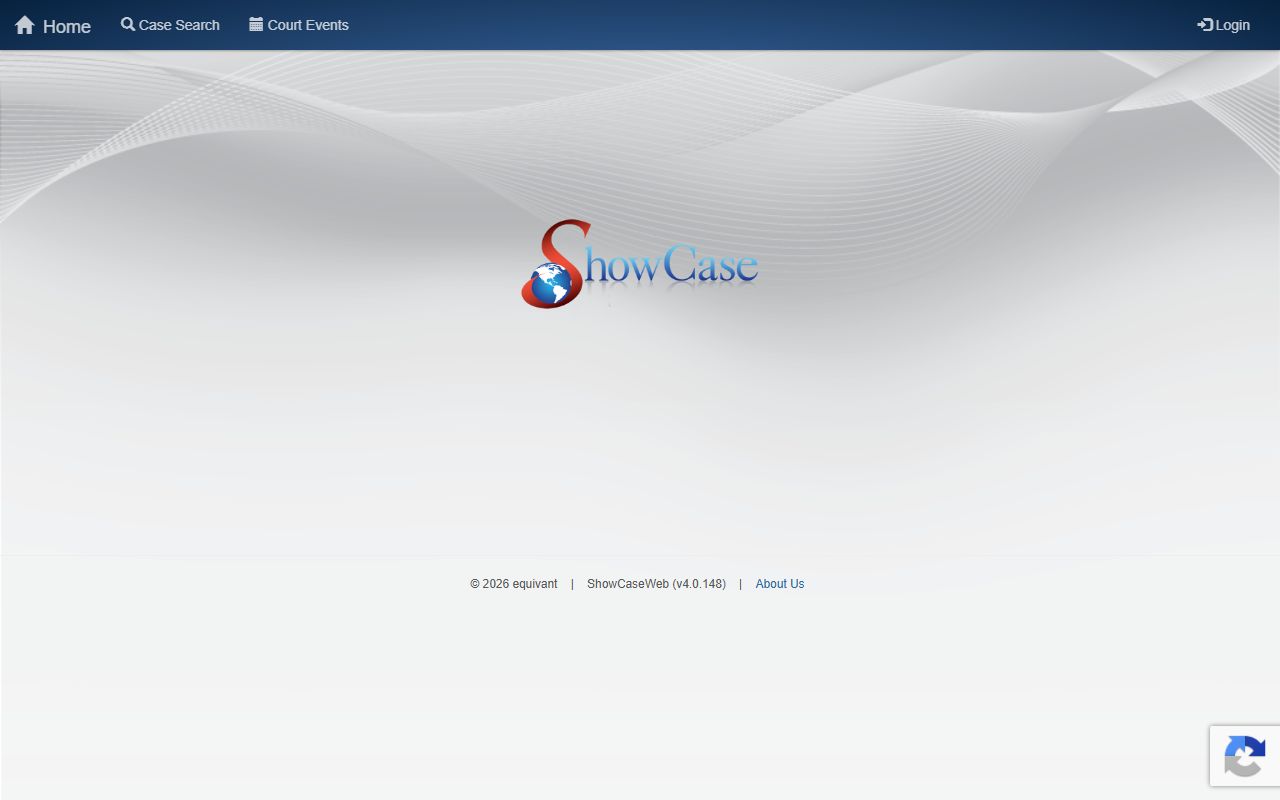
The search form allows filtering by court type, which includes over 20 case categories covering criminal, civil, family, probate, traffic, and appellate matters filed in Collier County courts.
What Collier County Court Records Show
A Collier County case record in ShowCase displays more than just the filing date and parties. The system presents a layered view with a case header and multiple tabs. The table below lists the actual fields visible in a case detail screen, based on direct inspection of a live ShowCase record for a Collier County misdemeanor case filed in 2026.
| Field | What It Shows |
|---|---|
| Case # | Full formatted case number, e.g., 11-2026-MM-000744-AXXX-01, which encodes the court division, year, case type, sequence, and suffix. |
| Citation # | Citation number linked to a traffic or criminal charge, if applicable. Traffic infractions often have a citation number as the primary identifier before a court case is opened. |
| Party Name | Full name of the defendant, petitioner, plaintiff, respondent, or business party. Multiple parties may appear on the Parties tab. |
| Party Type | Role of the listed party in the case, such as defendant, petitioner, respondent, plaintiff, or victim. |
| DOB | Date of birth for individual parties, used to confirm identity in name searches that return common names. |
| Sex | Sex of the party as recorded in the booking or case intake process. |
| Race | Race as recorded. Appears in results grid and Parties tab. |
| File Date | Date the Clerk accepted and opened the case. For criminal matters, this is typically close to but not always the same as the arrest date. |
| Court Type | Category code for the case, such as MM for misdemeanor, Felony, Traffic Infractions, Circuit Civil, or Domestic Relations/Family. Corresponds to the Court Type dropdown in search. |
| Case Type | Sub-classification within the court type, providing more detail on the nature of the proceeding. |
| Status | Current case status. The sample inspected showed "Pending" for an open matter. Other values such as Disposed or Closed may appear depending on case posture. |
| Judge | Name of the assigned judge as recorded in the case. Visible in the case header of the detail view. |
| State Attorney | Name of the assigned prosecutor for criminal cases. The State Attorney for the Twentieth Judicial Circuit prosecutes felony, misdemeanor, juvenile, and related criminal matters. |
Beyond the case header, the detail view provides five tabs with deeper information. The Dockets tab lists every filing event in the case by docket number, effective date, count, and description. Observed docket types include Booking Sheet, charge entries with statute and offense, arraignment settings, first appearance hearing entries, Jail Arrest Card, Certificate of Compliance for the Jessica Lunsford Act, and Notice of Confidential Information Within Court Filing. Document images may be attached to docket entries for public viewing when the document is not confidential under Florida law and the Security Matrix.
The Charges tab shows each charge with its statute number, count, description, disposition date, offense date, citation number, offense level, plea date, court action, and prosecutor action. The Sentences tab records any sentence entered after conviction or plea, including confinement type, term, credit time, conditions, and status. The Fees tab shows the total balance, amount due, amount paid, balance remaining, collections flag, judgment flag, judgment interest, and payment plan details if applicable. The Court Events tab links to the public calendar view for hearing schedules.
Not every case will have data in all tabs. A pending case may show charges but no sentence records. Fees may list a notice that the displayed balance may not reflect all outstanding amounts and that the complete balance should be confirmed with the Clerk.
Types of Collier County Court Records Available
Collier County court records span two trial courts: the Circuit Court, which handles felony criminal, family law, probate, guardianship, juvenile, mental health, injunctions, and larger civil cases, and the County Court, which handles misdemeanors, traffic, small claims, county civil matters up to the statutory threshold, and local ordinance cases. Both courts are served by the same Clerk and are searchable through the same ShowCase portal. The Twentieth Judicial Circuit, covering Collier and four neighboring counties, sits within Florida's Sixth District Court of Appeal for appellate purposes.
The ShowCase court type dropdown lists all searchable case categories, and the research inspection confirmed the following active types:
- Felony - Circuit Court criminal cases for felony offenses, including all charging documents, dockets, plea or trial outcomes, and sentencing records.
- Misdemeanor - County Court criminal cases for first- and second-degree misdemeanor charges, such as battery, petit theft, and driving-related misdemeanors.
- Criminal Traffic - DUI, driving while license suspended, reckless driving, leaving the scene, and other traffic offenses that carry criminal penalties rather than civil fine treatment.
- Traffic Infractions / Non Criminal Infraction - Civil traffic citations for speeding, moving violations, equipment violations, and similar non-criminal citations.
- Domestic Relations/Family - Dissolution of marriage, paternity, child support, domestic violence injunctions, name change, and related family law matters filed in Circuit Court.
- Probate/Guardianship - Estate administration, wills, summary and formal administration, guardianship, curatorship, conservatorship, trust notices, and competency petitions in the Circuit Court Probate Division.
- Circuit Civil and County Civil - Civil lawsuits including contract disputes, real property actions, foreclosure, garnishment, and replevin at both the Circuit Court and County Court levels depending on the amount in controversy.
- Small Claims - County Court civil cases for lower-value money disputes, searchable through ShowCase and filed with the Clerk.
Marriage records are not court case records in the same sense; they are recorded official records maintained by the Clerk's Recording Department and searched through the Official Records system rather than ShowCase. See the Marriage and Divorce Records page for more detail on marriage license searches.
For criminal records and arrest information, the Collier County Sheriff also maintains a separate arrest and warrant search covering arrests from January 1, 2016 forward and all active warrants. That portal is distinct from the Clerk's court case system and shows booking-level information rather than final case disposition. The Clerk's ShowCase is the authoritative source for final court outcomes.
The Official Records system, shown in the screenshot below, handles recorded instruments separately from court case dockets.
The Collier County Official Records portal (COR Access) is a separate tool from ShowCase, handling recorded documents such as deeds, mortgages, liens, and recorded marriage licenses.
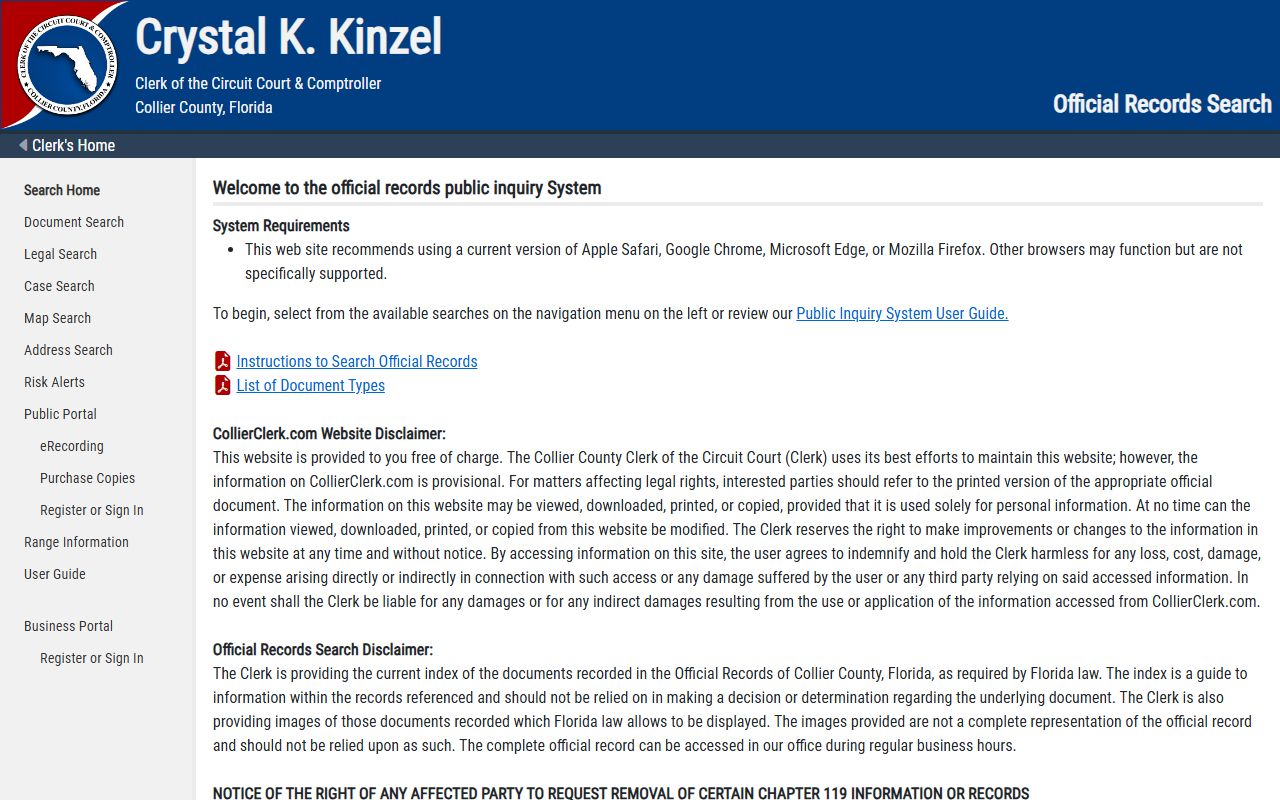
COR Access is the right tool when you need to search recorded instruments; use ShowCase for court case dockets and case-specific records.
Public Access Framework for Collier County Court Records
Florida's public-records law starts from openness. Florida Statutes Chapter 119 declares that state, county, and municipal records are open for personal inspection and copying by any person unless a specific exemption applies. For court records specifically, F.S. 119.0714 addresses court files, court records, and official records and is the key provision controlling what may be placed on a public website and what may be removed upon request. Viewing case indexes in ShowCase costs nothing. The Clerk's online case search page explicitly states there are no fees to view online court cases.
Court records are also subject to Florida Rule of General Practice and Judicial Administration 2.420, which governs public access to judicial branch records, confidentiality determinations, and the notice and motion practice used when a filer claims a document contains protected information. Rule 2.425 separately requires filers to minimize sensitive data such as Social Security numbers and financial account numbers in court documents. These rules operate alongside Chapter 119, so a record may be partially accessible - the case index and certain docket events are public, while specific document images containing protected information are withheld.
Under F.S. 119.07, the Clerk must permit inspection at reasonable times, respond in good faith to records requests, redact exempt portions rather than withholding entire records where possible, and cite the specific exemption when denying access to a record or portion. Requesters who are denied access may pursue judicial enforcement remedies under F.S. 119.11 (accelerated hearing) and may recover attorney fees under F.S. 119.12 if a court finds the agency unlawfully refused access.
Florida's courts operate under a statewide Security Matrix that classifies what internet users, registered users, and courthouse terminal users can see. The Clerk cannot unilaterally expand public internet access beyond what the Security Matrix permits, even if the underlying record is technically public. This is why some Collier County court records are visible only on courthouse terminals rather than through ShowCase's public web view. The Florida State Courts System maintains the Electronic Court Records Access and Security Matrix resource for guidance on this framework.
The Florida court access and security matrix framework is illustrated in the screenshot below, which shows the Florida State Courts System's electronic records access resource page.
The Florida State Courts System electronic records access page explains the Security Matrix that governs what court records are viewable online statewide, including in Collier County.
The Security Matrix is a statewide policy framework, not a local Collier County rule, so the same access limits apply across all Florida county clerk portals.
For public records requests beyond online case lookup, the Clerk's designated custodian is Renata Robbins. Requests can be submitted online through the Clerk's public records request workflow, by email, or in person at the Clerk's office. The Clerk's website includes a "Request Public Records" navigation item and notes that anyone who does not want their email address released in a public-records response should contact the office by phone or in writing rather than emailing.
Note: Arrest information from the Sheriff reflects circumstances at arrest only; final case disposition must be confirmed through the Clerk's ShowCase court records, not the Sheriff's booking database.
Restricted and Confidential Records in Collier County
Not all Collier County court records are open to the public. Florida law and court rules create several categories of restricted or confidential records that are withheld from ordinary public access, including online portals. A search in ShowCase may return no results or an index entry with no documents even when a restricted matter exists. The main restricted categories are:
- Juvenile delinquency and dependency - Both are portal categories in ShowCase, but public internet access is suppressed by Florida juvenile statutes and rules. Most juvenile records are confidential to general public users.
- Adoption - Adoption court records are confidential except to authorized persons or by court order under F.S. 63.162.
- Mental health and substance-abuse treatment - Baker Act and Marchman Act records are strongly protected. Marchman Act court records are confidential under F.S. 397.6760. Mental Health is a searchable portal category, but images and detailed records will not be publicly visible.
- Sealed and expunged criminal records - After a court grants sealing under F.S. 943.059 or expunction under F.S. 943.0585, access is restricted. Sealed records still exist but are not available to ordinary public searches. Expunged records are generally removed from agency access, with FDLE retaining a confidential record for limited statutory purposes.
- Victim information under Marsy's Law - Crime-victim identifying and location information is protected in court and law-enforcement records.
- Some family law documents - Certain family-law images and sensitive documents are removed from public internet access under Florida Rule 2.420 and F.S. 119.0714, even when the case index entry is visible.
The Clerk's Official Records system includes a Chapter 119 notice that allows affected persons to request removal of exempt information or images from the public website. Military discharge documents, death certificates, and court files governed by family, juvenile, or probate rules may be eligible for removal. The notice also clarifies that grantor/grantee/party names in the statutory index under F.S. 28.222(2) are not removed from the Official Records index merely because other exempt information is removed from the public website.
Florida's sealing and expunction process typically begins with FDLE rather than the court. A person seeking to seal or expunge an adult criminal record must generally apply to FDLE for a Certificate of Eligibility first. After receiving the certificate, the person files a petition, affidavit, and proposed order in the court with jurisdiction over the original case. The petition is served on the State Attorney and law enforcement agencies. If the court grants the petition, it issues an order served on criminal justice agencies and the Clerk. Common reasons petitions are denied include a prior adjudication of guilt, a disqualifying offense type, a prior sealing or expunction, pending charges, or failure to serve all required agencies. For general guidance on eligibility requirements, the FDLE seal and expunge FAQ is the authoritative starting point.
See the Criminal Records page for more on arrest records, the distinction between an arrest and a conviction, and how sealing and expunction affect Collier County criminal history searches.
Common Legal Terms in Collier County Court Records
Court records use terms that can be confusing without a legal background. The definitions below come from the field inventory captured in the Collier ShowCase system and from Florida court terminology used in Collier County filings. Understanding these terms helps you read a case record accurately before drawing any conclusions about a person's legal history.
- Plaintiff
- The party who files a civil lawsuit. In family law, the initiating party is usually called the Petitioner instead.
- Defendant / Respondent
- In criminal cases, the Defendant is the person charged. In civil or family matters, the Respondent is the party responding to a petition. Both terms appear in ShowCase party type fields.
- Docket
- The chronological list of all events in a case. Each docket entry has an effective date, count, and description. Observed Collier docket types include arraignment settings, first appearance hearings, charge entries, booking sheets, and confidential-information notices.
- Disposition
- The final or current outcome of a charge or case. Common dispositions include guilty, not guilty, nolle prosequi (charge dropped by State Attorney), dismissed with prejudice (permanently closed), and dismissed without prejudice (potentially refiled).
- Pending
- The case is open and awaiting further court action. The sample Collier case inspected showed "Pending" status. A pending case means no final disposition has been entered yet.
- Bond
- A financial or non-financial release condition set at first appearance. Bond status in the Sheriff's system may show "BONDED" with a date, indicating the defendant was released. "No bond" means release was not authorized at that stage.
- Arraignment
- A criminal hearing where the defendant is formally advised of charges and enters a plea. Arraignment docket entries appear frequently in Collier misdemeanor and felony cases.
- Probation
- A court-supervised release condition imposed instead of or after confinement. Probation terms, conditions, and status appear on the Sentences tab in ShowCase.
- Expunction
- Court-ordered removal or destruction of criminal history records under statutory conditions set by F.S. 943.0585. After expunction, ordinary public searches should return no record.
The Parties tab in ShowCase also records AKA names, a deceased flag, and a Sheriff's number for criminal defendants. These fields can help confirm identity when a common name produces multiple results.
In-Person Collier County Court Record Access
Public terminals at the Collier County Courthouse provide access to case records beyond what the standard internet public view permits. These terminals are located in the Clerk's offices at the Government Complex in Naples. Some records restricted from the online public view may be accessible at courthouse terminals for appropriate user categories, consistent with the Florida Security Matrix levels for in-person access.
The Clerk's office is the starting point for all in-person requests, document copy orders, certified copy requests, and public records submissions. For requests that go beyond online viewing, such as certified court documents, you can use the Clerk's eCertify system online or contact the office directly. Physical records requests, copy fees, and document certification details are available from the Clerk's request a document filed in a case page.
Clerk of the Circuit Court & Comptroller
3315 Tamiami Trail East, Suite 102
Naples, FL 34112
(239) 252-2646
Monday - Friday, 8:00 a.m. to 5:00 p.m.
Court Administration for the Twentieth Judicial Circuit is in Suite 501 of the same building, reachable at (239) 252-8800. Free parking is available in the garage on the south side of the courthouse. The Clerk notes that brief system outages can occur during scheduled maintenance; if you visit in person on a day with system issues, Clerk staff can assist with urgent searches. For ADA accommodations or interpreter services, contact the Twentieth Judicial Circuit before your visit rather than requesting services at the counter on a hearing day.